The NRP User Portal
Overview
Teaching: min
Exercises: minQuestions
Basic Kubernetes?
Objectives
The NRP User portal
The NRP portal can be accessed from nrp.ai.
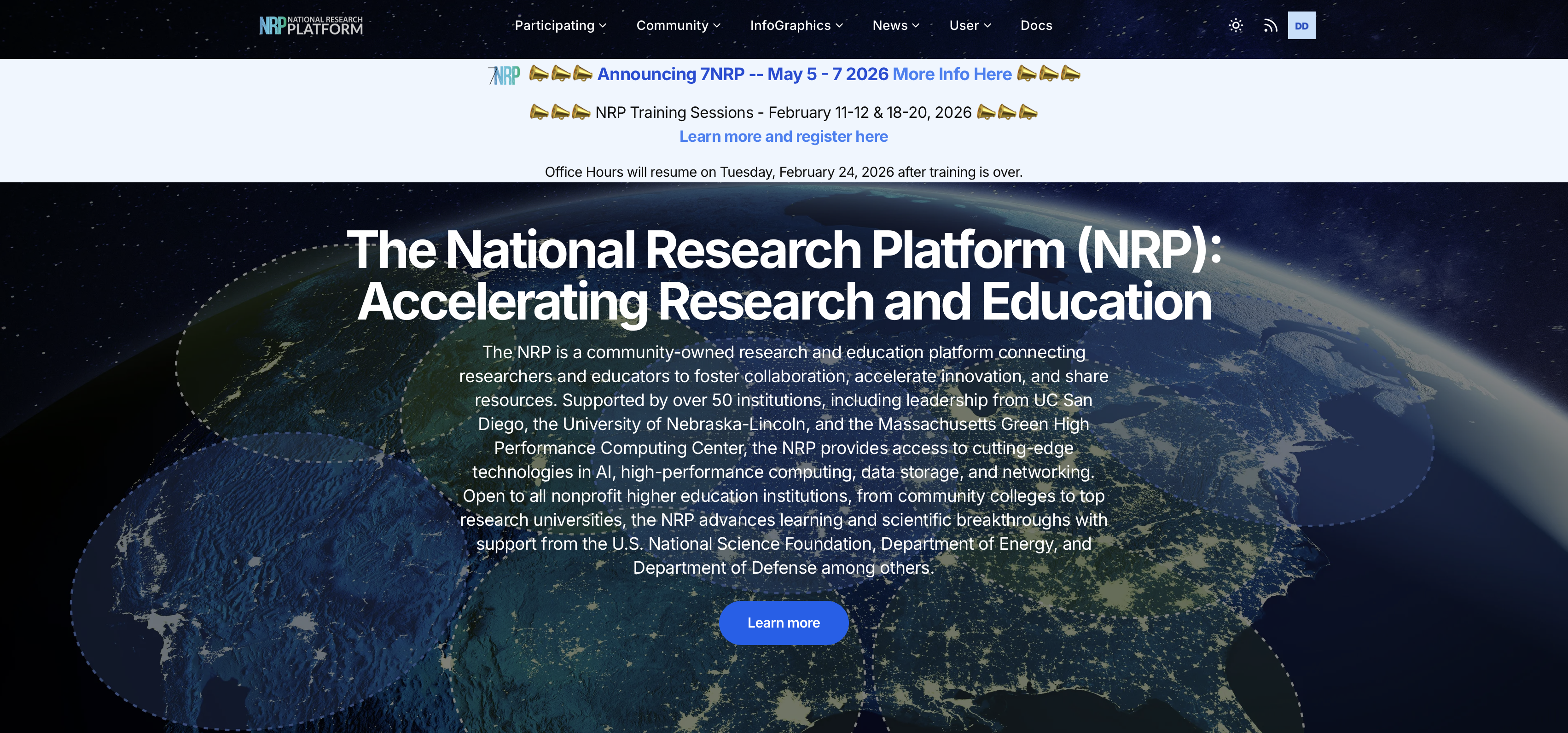
This is often your first stop when interacting with NRP.
The portal homepage is used to announce NRP events such as our annual meetings and out bi-weekly office hours.
Additionally, the portal contains links to many important pages and webtools that you can make use of as a user of the cluster.
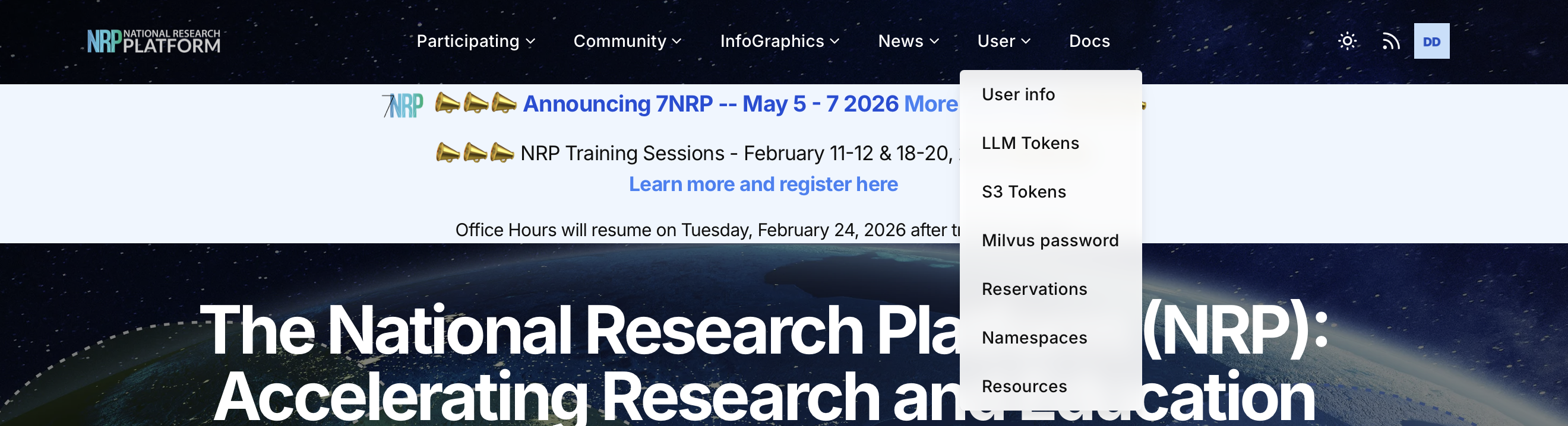
Resource Availability
Resources available on NRP include:
- CPU (> 31000 cores)
- GPU (> 1400)
- FPGA
Resources are distributed across site known as computing nodes.
The following dashboard https://nrp.ai/viz/resources/ displays details about current status of all NRP resources.
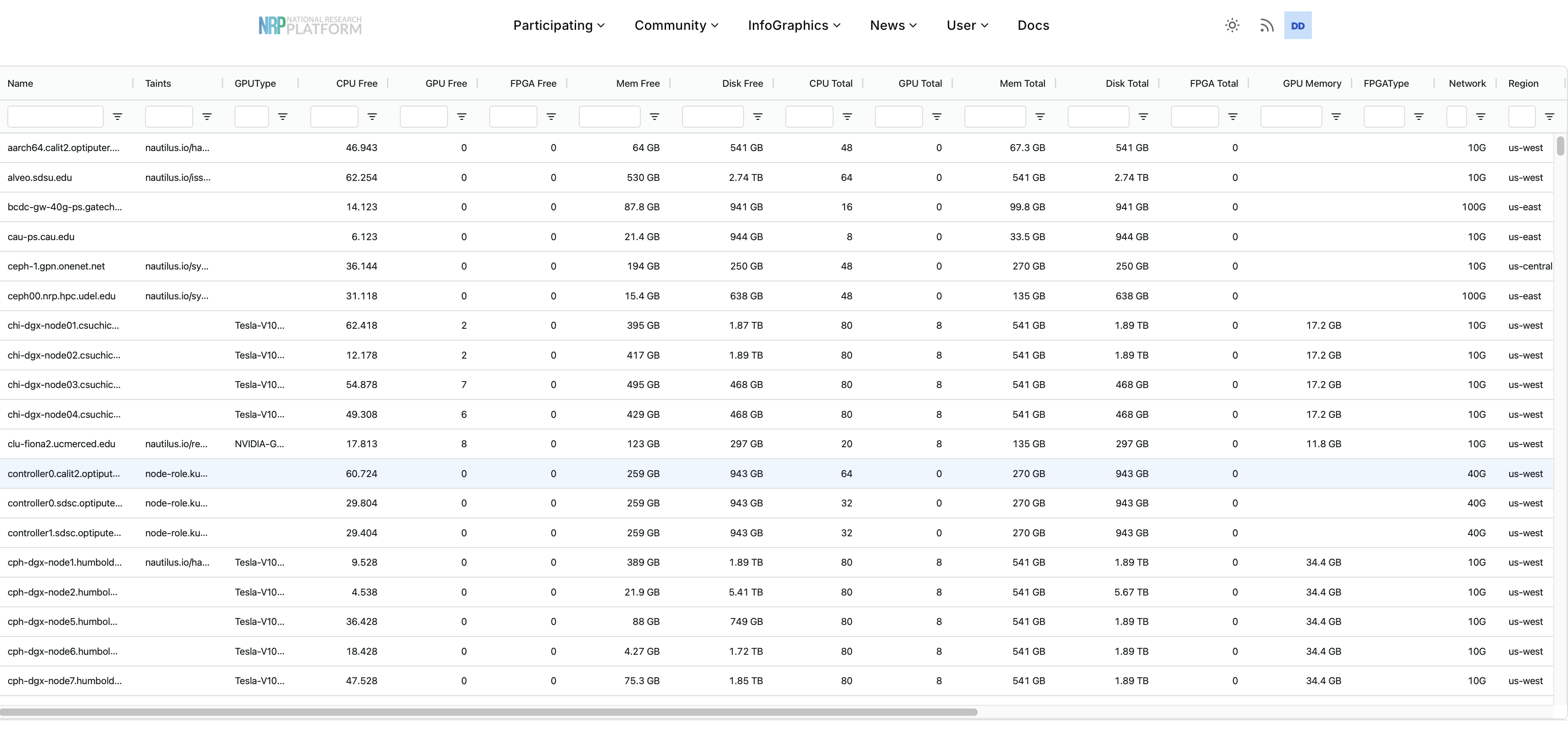
Notice the taint column!
Taints are labels added to nodes. Taints can be used to indicate a node is reserved for a special purpose or that a node may be marked for maintennance. Pods will not land on tainted nodes unless granted special permissions.
Reservations
Kubernetes uses a constraint- and priority-based scheduler: Pods are scheduled when a node can satisfy their requirements, rather than being served strictly first-in-first-out.
Sometimes you may need special or exclusive access to resources. In such cases, you should fill out a reservation request.
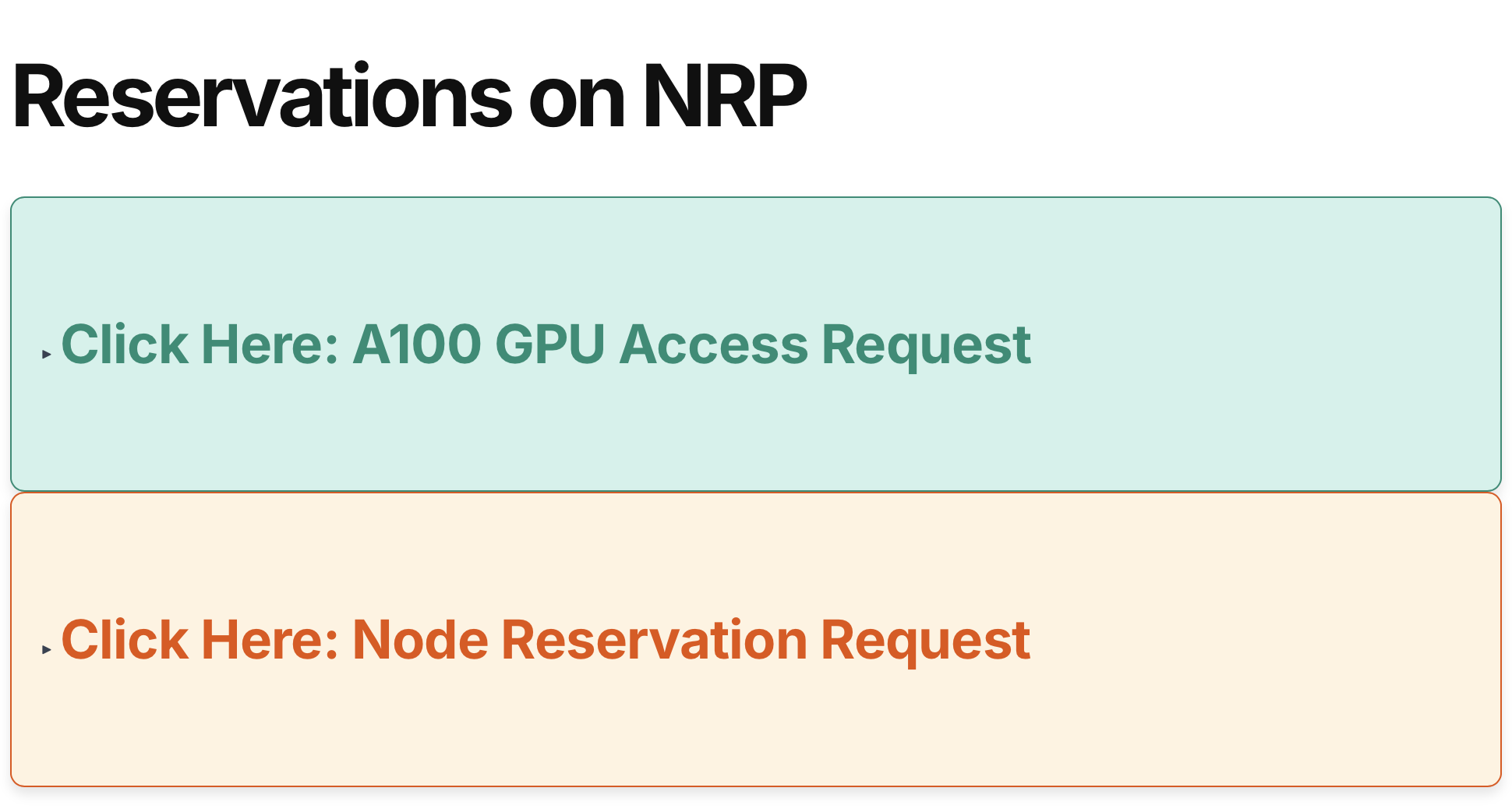
There are two types of reservation requests that you can make at NRP; a request for exclusive access to a particular node or a request for access to A100 GPUs.
The request form can be found at https://nrp.ai/reservations/.
Request Early
Submit requests well ahead of time to guarantee access. NRP admins try to check reservations regularly, but must still review each reservation before providing access.
Include All Information
Please fill out either of these forms completely including any details to help us decide whether or not we can grant the request
A100 Access Requests
A100 GPUs are a special resource on NRP. To ensure that they are used responsibly, users are required to submit an access request form prior to gaining access to these GPUs.
Please note that approval grants the namespace the ability to request X amount of A100 GPUs, but it does not gurantee access; pods are still scheduled according to the availability of the resource.
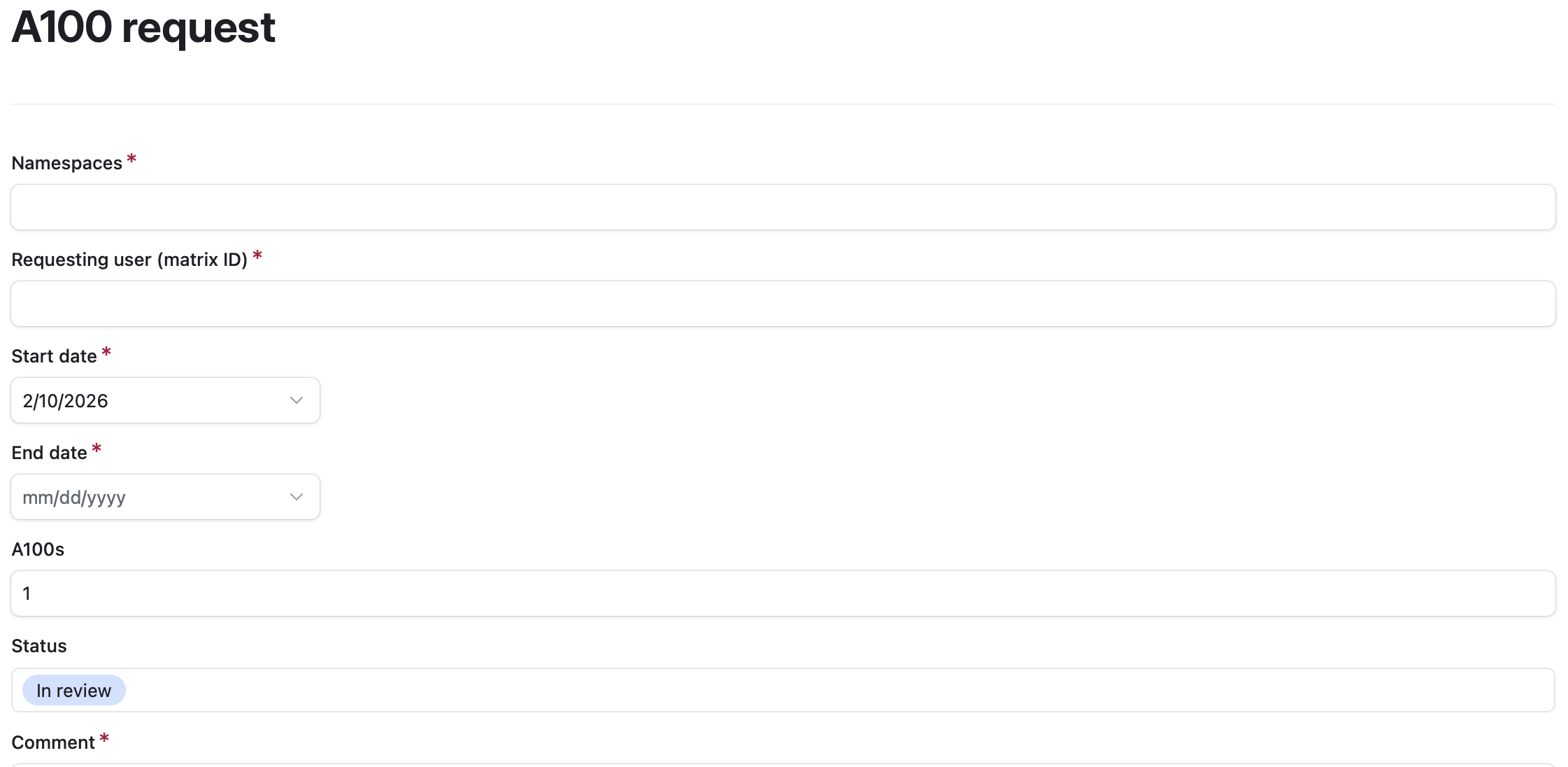 The A100 form us show above.
It includes a comment section where you can fill in details about your specific plans to use the A100 GPUs.
Importantly, we need your namespace name so we can grant access to your group and we need your matrix ID (found by clicking your profile picture in matrix chat).
We try to notify requesters when we approve their request.
The A100 form us show above.
It includes a comment section where you can fill in details about your specific plans to use the A100 GPUs.
Importantly, we need your namespace name so we can grant access to your group and we need your matrix ID (found by clicking your profile picture in matrix chat).
We try to notify requesters when we approve their request.
Node Reservation Requests
Node reservations are also possible, however these are granted only for specific reasons. We do not grant node reservations for single users/groups trying to make a deadline. Some reasons to request a node reservation include:
- Hardware owner prioritization: If you have donated hardware to nautilus, this hardware is provided to the whole cluster for general use, however owners can request we reserve their nodes for exclusive access for some period of time.
- Special events: If you are planning a hackathon or other special event which requires continuous access to specific nodes for a short period of time and the request is reasonable, we can reserve some nodes for the event.
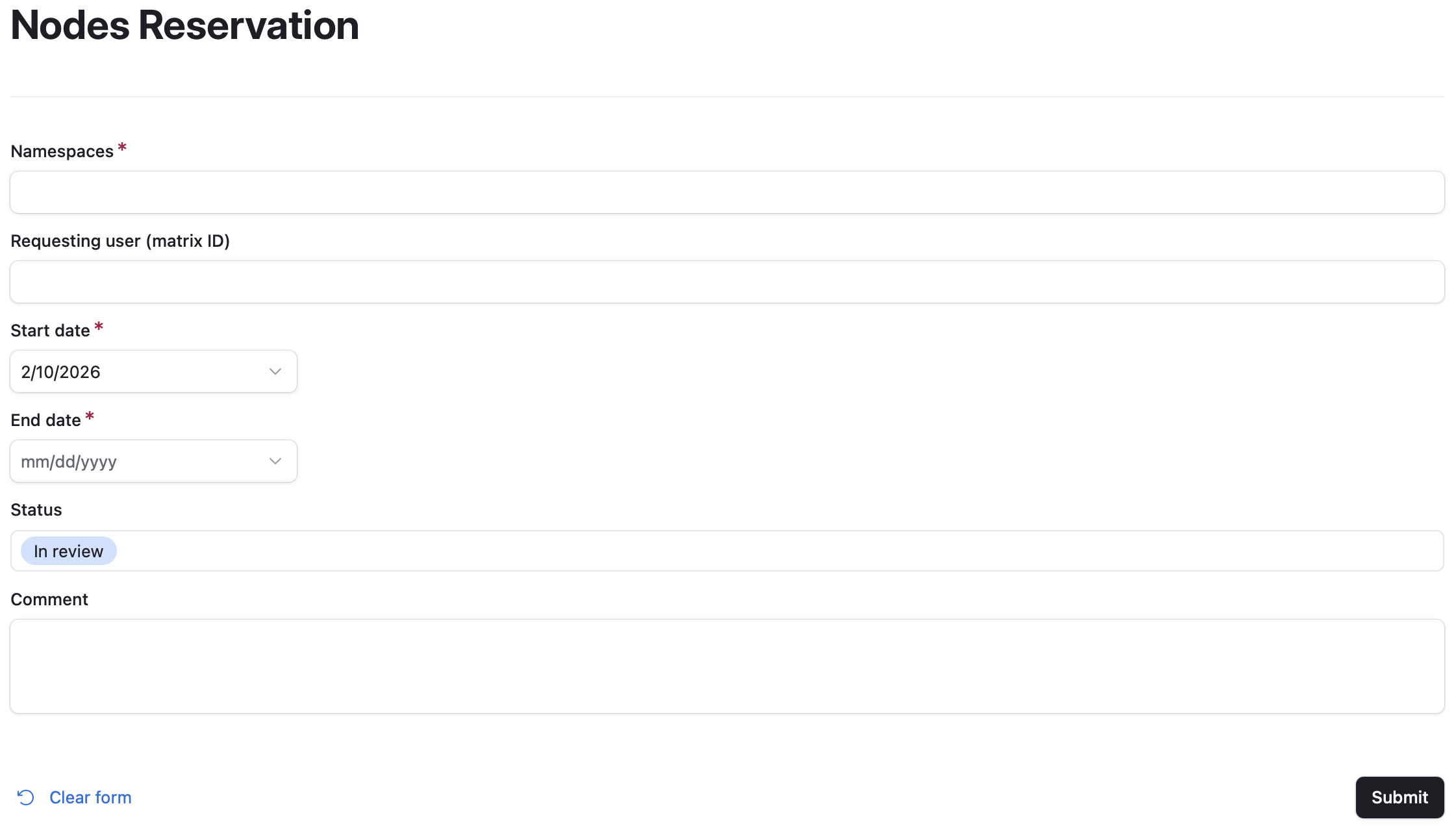
Please include in the comments what types of resources (e.g., number of GPUs/CPUs/memory etc.) you need or, if known, which nodes you would like to reserve.
Tokens
Some services first require registration for a token. These services include:
-
Tokens for LLM access https://nrp.ai/llmtoken/
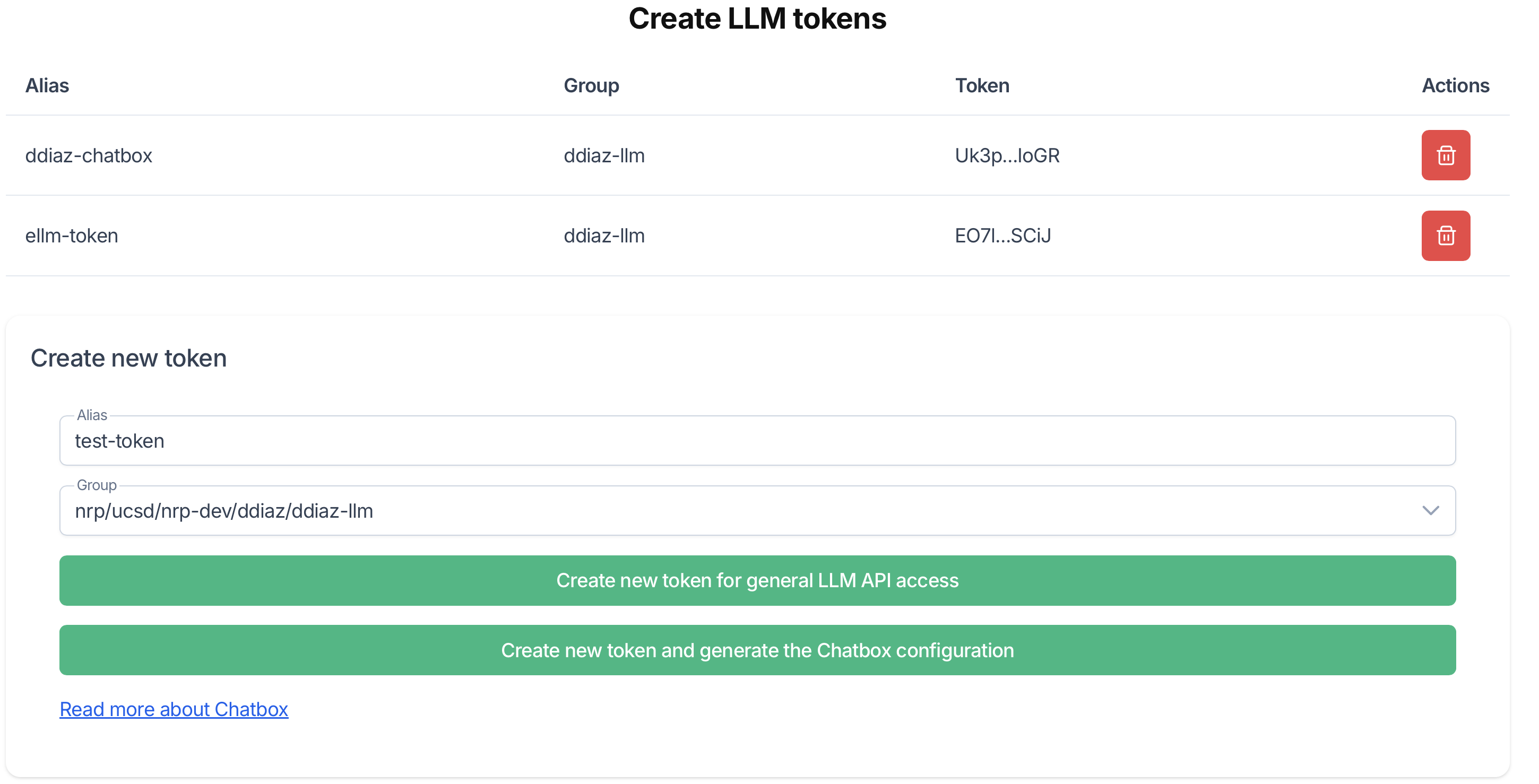 Please provide an alias for the token and select a namespace which is enabled for LLM access.
A dialogue box will pop up with your token.
Save your token somewhere safe. It will not be visible again once you close the dialogue box.
You may also optionally generate a Chatbox configuration to use with chatboxai.
Please provide an alias for the token and select a namespace which is enabled for LLM access.
A dialogue box will pop up with your token.
Save your token somewhere safe. It will not be visible again once you close the dialogue box.
You may also optionally generate a Chatbox configuration to use with chatboxai. - S3 storage access https://nrp.ai/s3token/
 In order to use the S3 storage option at NRP, you will need to generate some keys.
This page will allow you to recieve a message with S3 keys sent to the email address registered with your NRP account.
In order to use the S3 storage option at NRP, you will need to generate some keys.
This page will allow you to recieve a message with S3 keys sent to the email address registered with your NRP account. - Milvus Credentials https://nrp.ai/milvus/
 This page will allow you to recieve a message with a Milvus password sent to the email address registered with your NRP account.