Intro to NRP
Overview
Teaching: min
Exercises: minQuestions
How do I get started with NRP?
Basic Kubernetes?
Objectives
What is NRP?
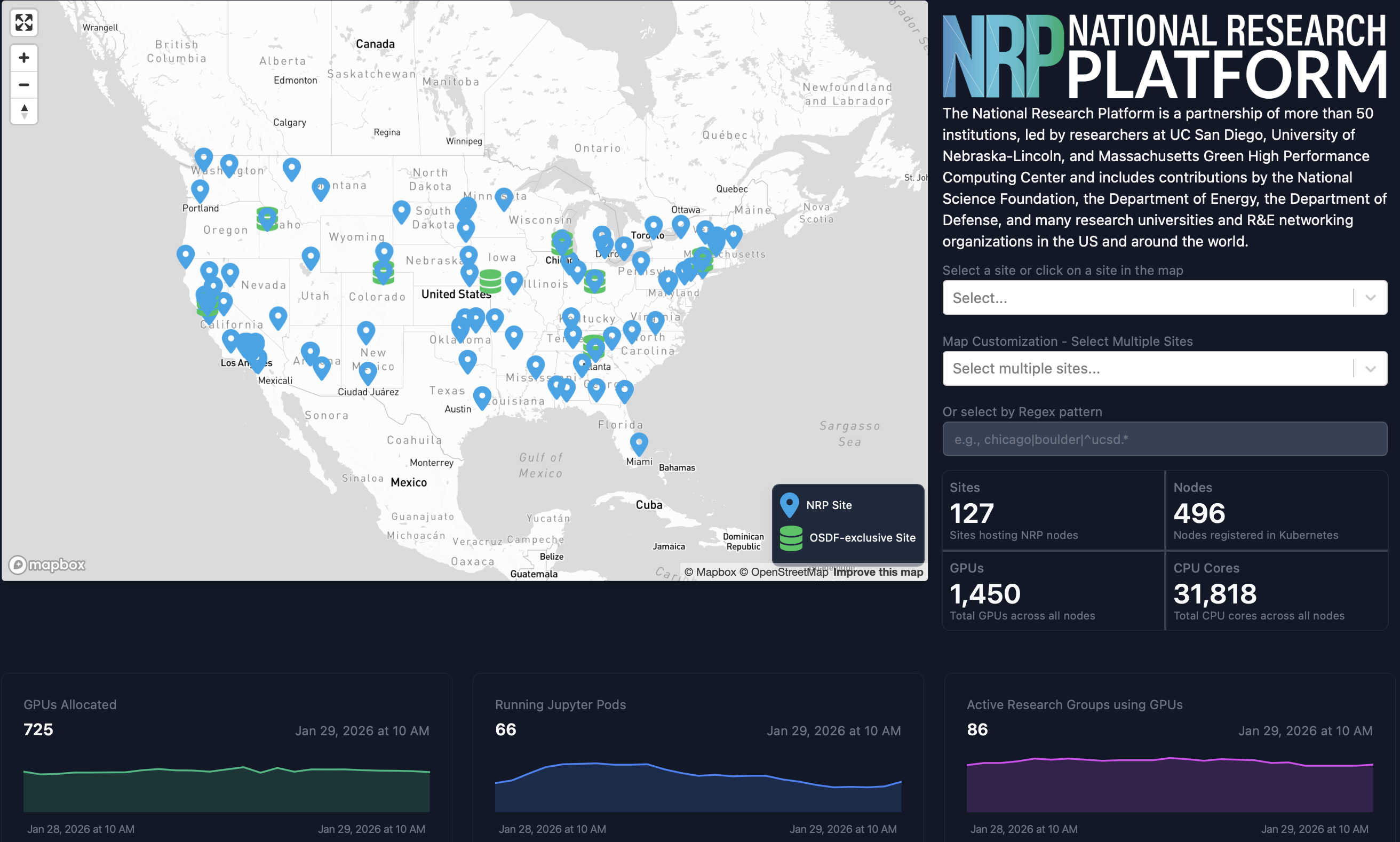
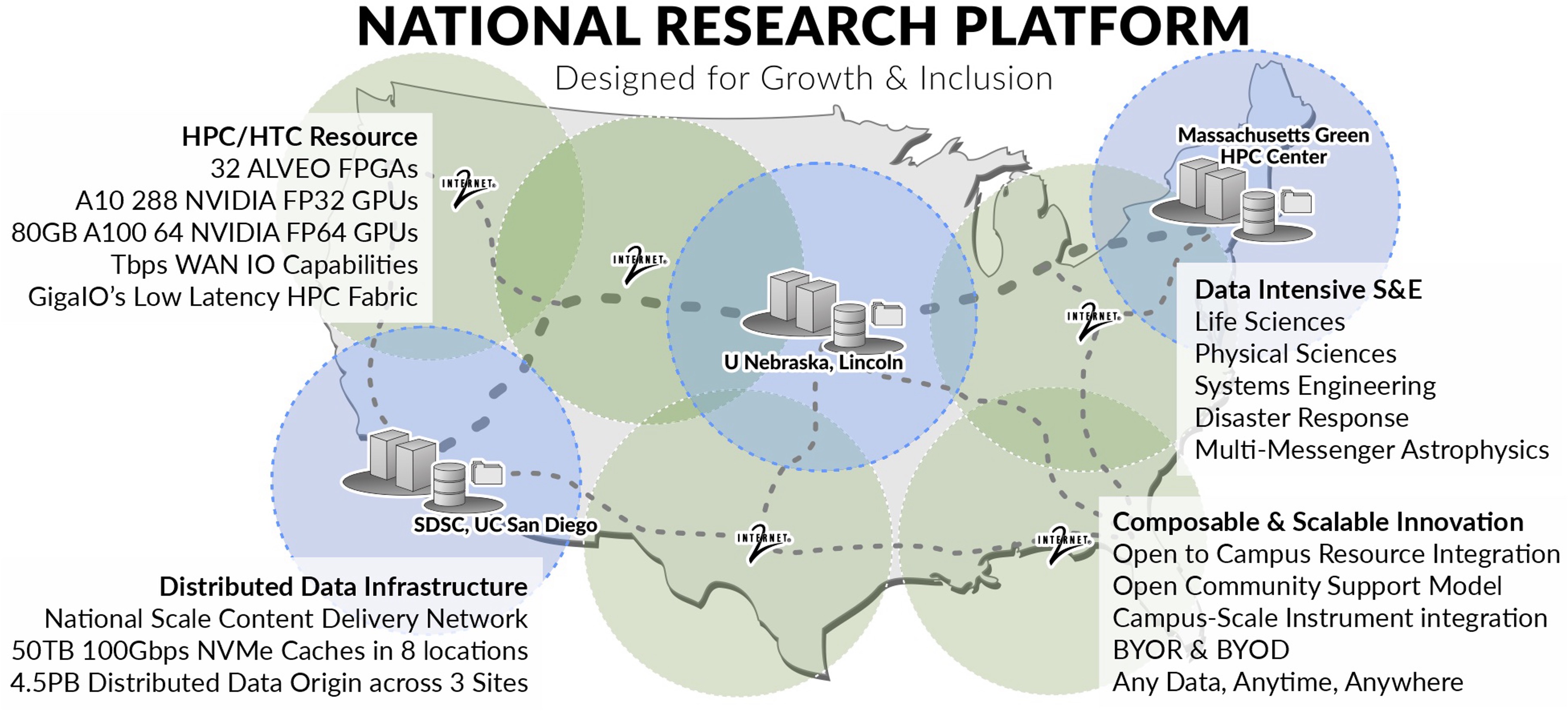
- The National Research Platform is a partnership of more than 70 institutions.
- Includes contributions by the National Science Foundation, the Department of Energy, the Department of Defense, and many research universities and R&E networking organizations in the US and around the world.
- NRP operates a primary Kubernetes distribution cluster with hardware spanning across 3 continents, called Nautilus.
-
NRP has been in continuous operation for 6 years.
- Led by researchers at UC San Diego, University of Nebraska-Lincoln, and MGHPCC.
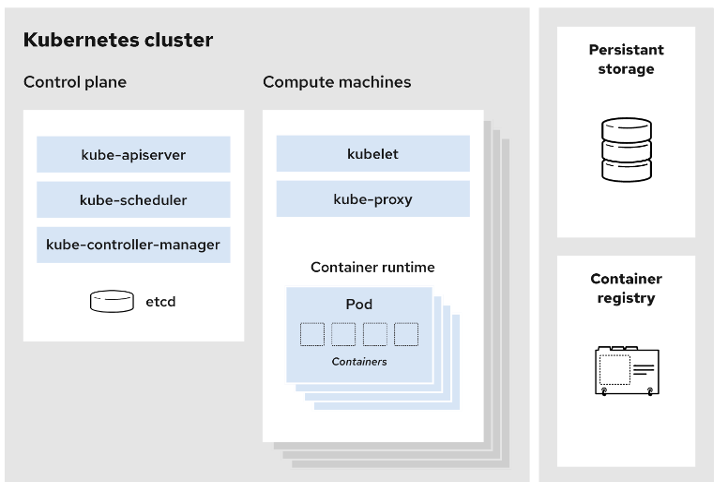
NRP is a Kubernetes Cluster
- Control plane: Manages the cluster and the worker nodes
- Worker Nodes: Maintain running pods and provide Kubernetes runtime environment
- Various storage options like CephFS; CvmFS; S3.
- Advanced monitoring tools like PerfSONAR; traceroute; Prometheus.
- Diverse computation and data tools: JupyterHub; WebODM; GitLab; Nextcloud; Overleaf.
- Collaboration and communication: Jitsi; EtherPad; Hedgedoc; SyncThing.
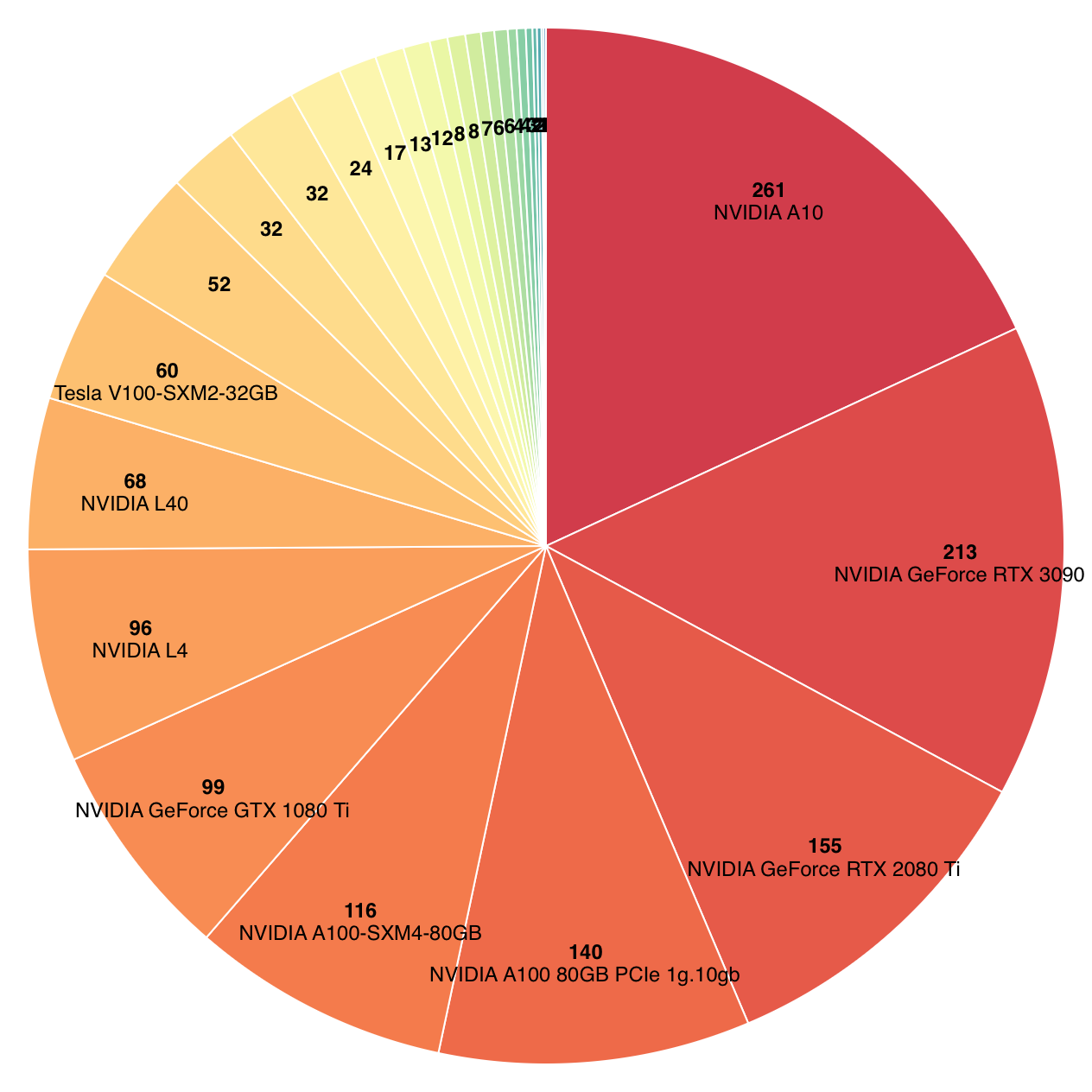
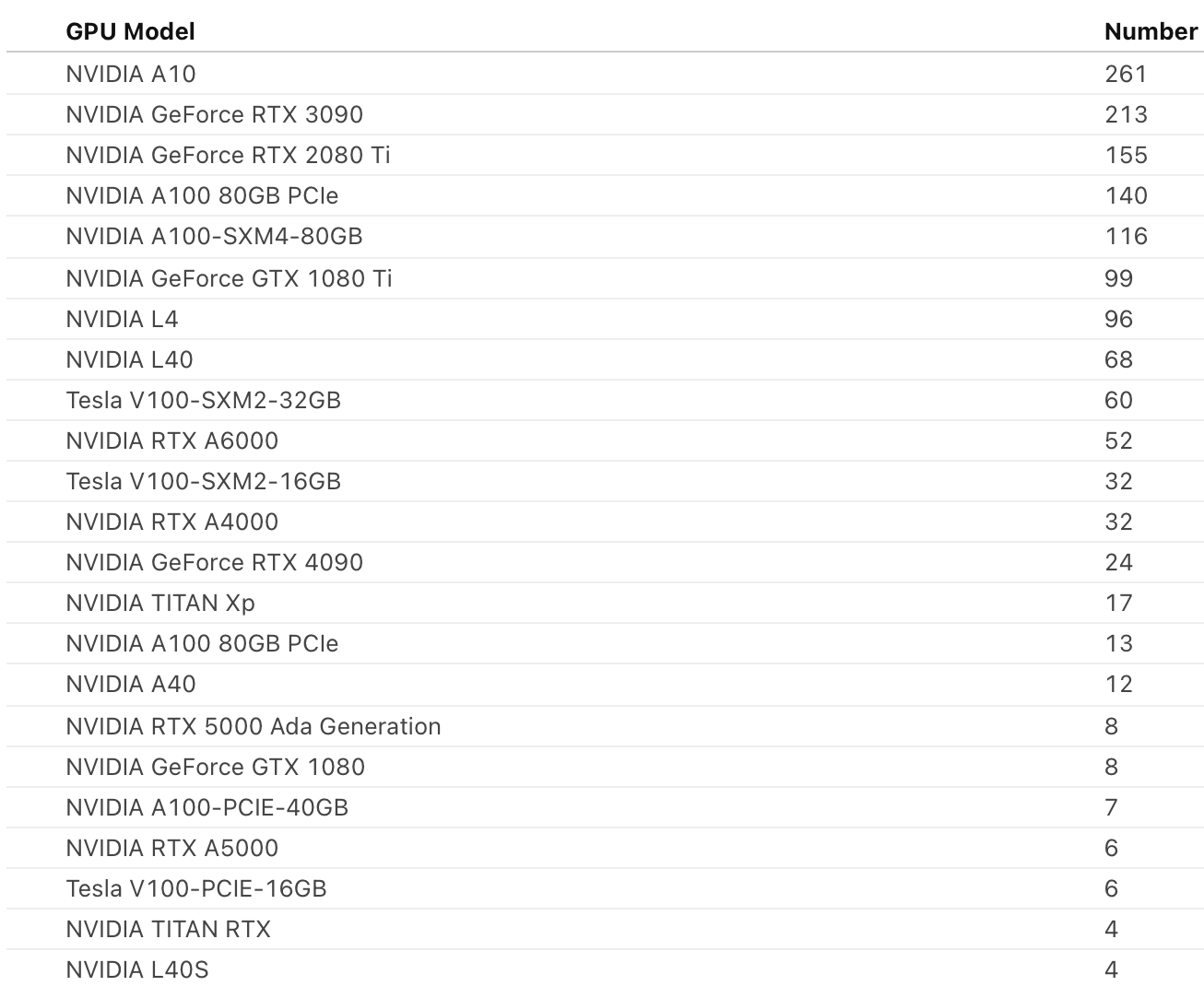
Hardware on NRP1
- 430+ nodes
- 1400+ GPUs
- 50+ FPGAs
- Bluefield 2 SmartNICs
- SmartSSDs
- programmable Tofino switches
Storage Options on NRP
You will learn that Kubernetes runs your workload in objects called Pods, and that Pods are ephemeral by nature. To keep data beyond the lifetime of a Pod, Kubernetes provides persistent storage via PersistentVolume resources, which Pods mount using a PersistentVolumeClaim. NRP offers a variety of storage options to suit different workload and performance needs.

- Ceph File System ➡ Ceph FS ➡ ReadWriteMany PersistentVolumes
- Ceph Rados Block Device ➡ Ceph RBD ➡ ReadWriteOnly PersistentVolumes
- Linstor Block ➡ ReadWriteOnly PersistentVolumes
- S3 Compatible storage ➡ Bucket Endpoints
- Open Science Data Federation ➡ OSDF
How do I get started?
A full guide to getting started can be found in our documentation.
The first step is to visit nrp.ai and log in at the upper right-hand corner. This should open a CILogon sign-in page.
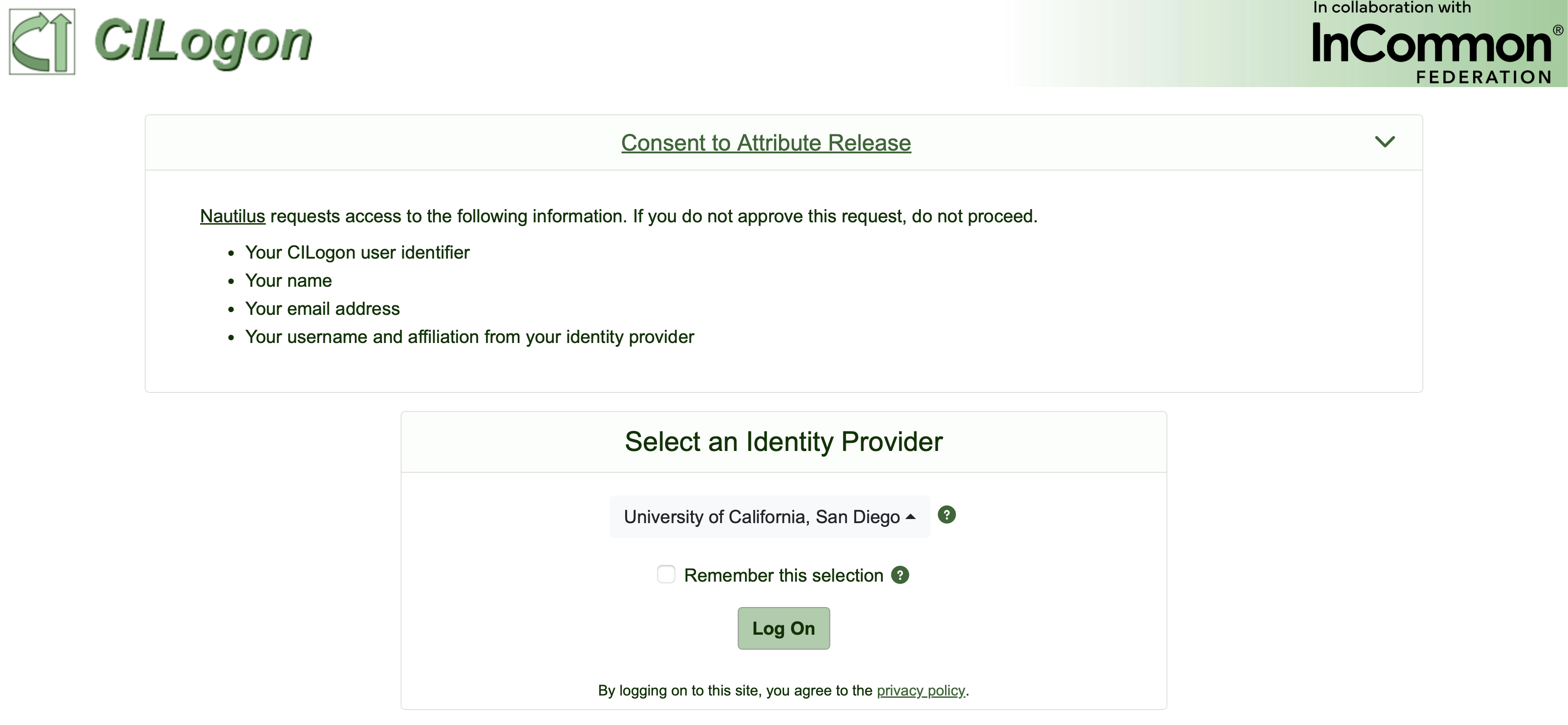
Choosing an Identity Provider
We recommend that you select your institution as the identity provider (IdP) in the CILogon page. Other options like google, Microsoft, and ORCID exist, but may face limitations on NRP If you used the wrong IdP and would like to change it, let NRP admins know and we can help.
Where should I ask for help?
The primary option for support is via our Matrix chat. Please use public channels when seeking support, this allows the whole NRP community to offer advice. NRP admins actively monitor and respond to the NRP Support channel in Matrix.
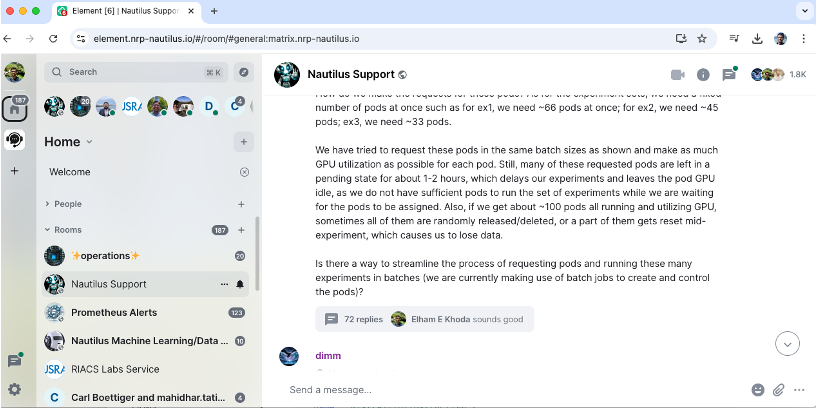
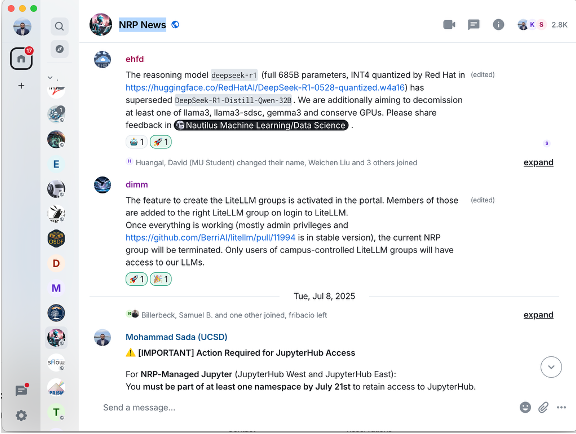
- NRP hosts a Matrix Server. For info about joining: https://nrp.ai/contact/
- We provide user support in Nautilus Support
- We announce news in NRP News
- Element Client is free cross-platform, we host a web version at: https://element.nrp-nautilus.io/
Cluster Policies
In order to access the cluser, every user must first accept the Acceptable Useage Polcy (AUP).
You can find our cluster usage policies in our docs:https://nrp.ai/documentation/userdocs/start/policies/.
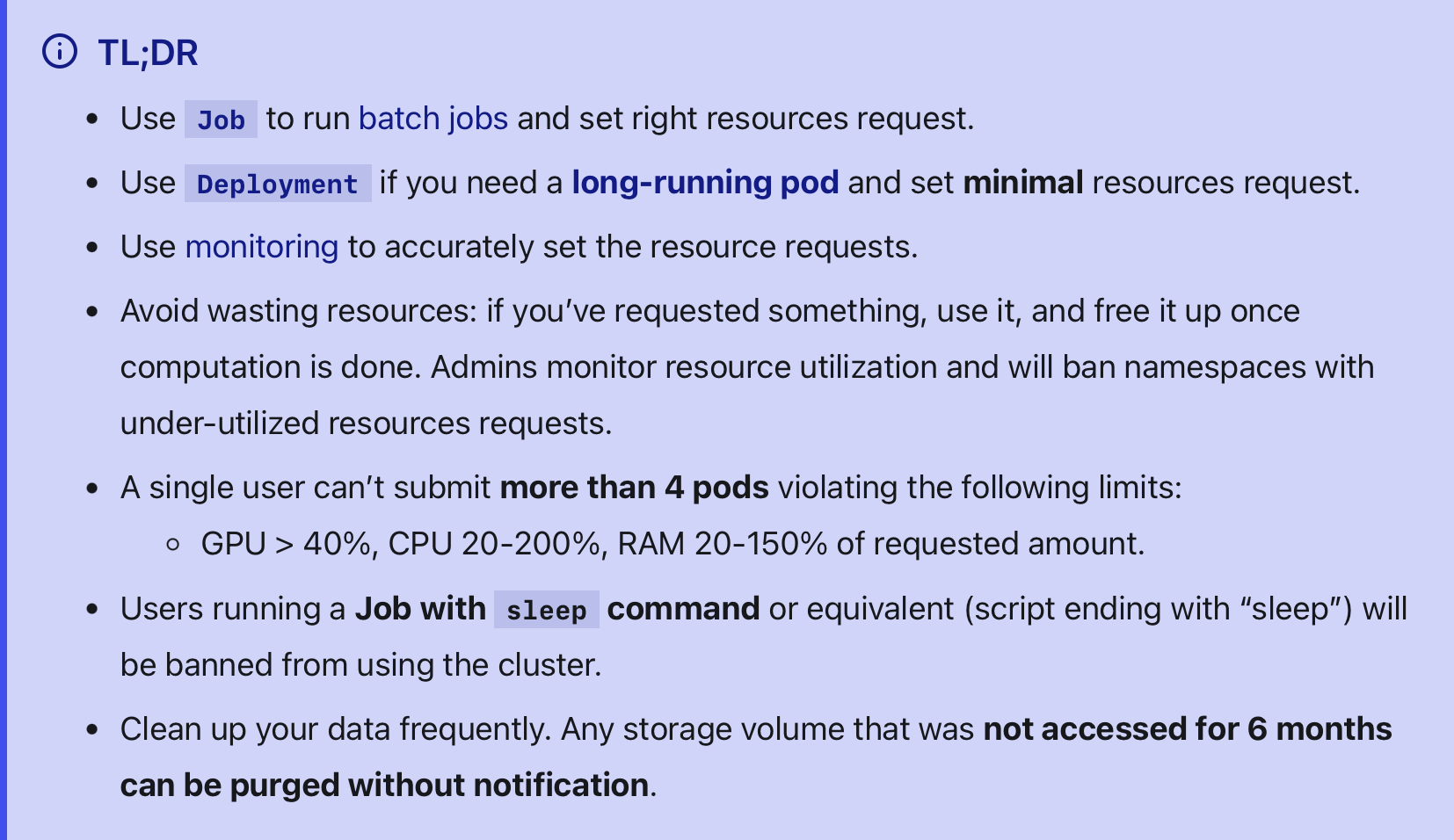
The most important thing to keep in mind is that NRP is a shared resource. Do not request more resources than you need and do not hold resources longer than what is necessary for your work.
Let’s Get Started
In the next sections, we will cover interacting with the NRP user portal, how to set-up and manage namespaces on the cluster and how to interact with the cluster.
The majority of NRP users interact with the cluster using the following three methods.
- via Kubernetes: Directly submit and manage containerized workloads (services and batch jobs) using Kubernetes APIs and tools like
kubectl. - via the Coder service: Launch a browser-based VS Code environment connected to cluster resources for interactive development and execution.
- via NRP deployed Jupyterhub: Start a JupyterLab notebook server on the cluster for interactive analysis, prototyping, and teaching workflows.
In order to access any of these services, users must first be added as a member of a namespace.
-
As of Feb 2026 ↩